
Explore the Request Workflow
See one step at a time.
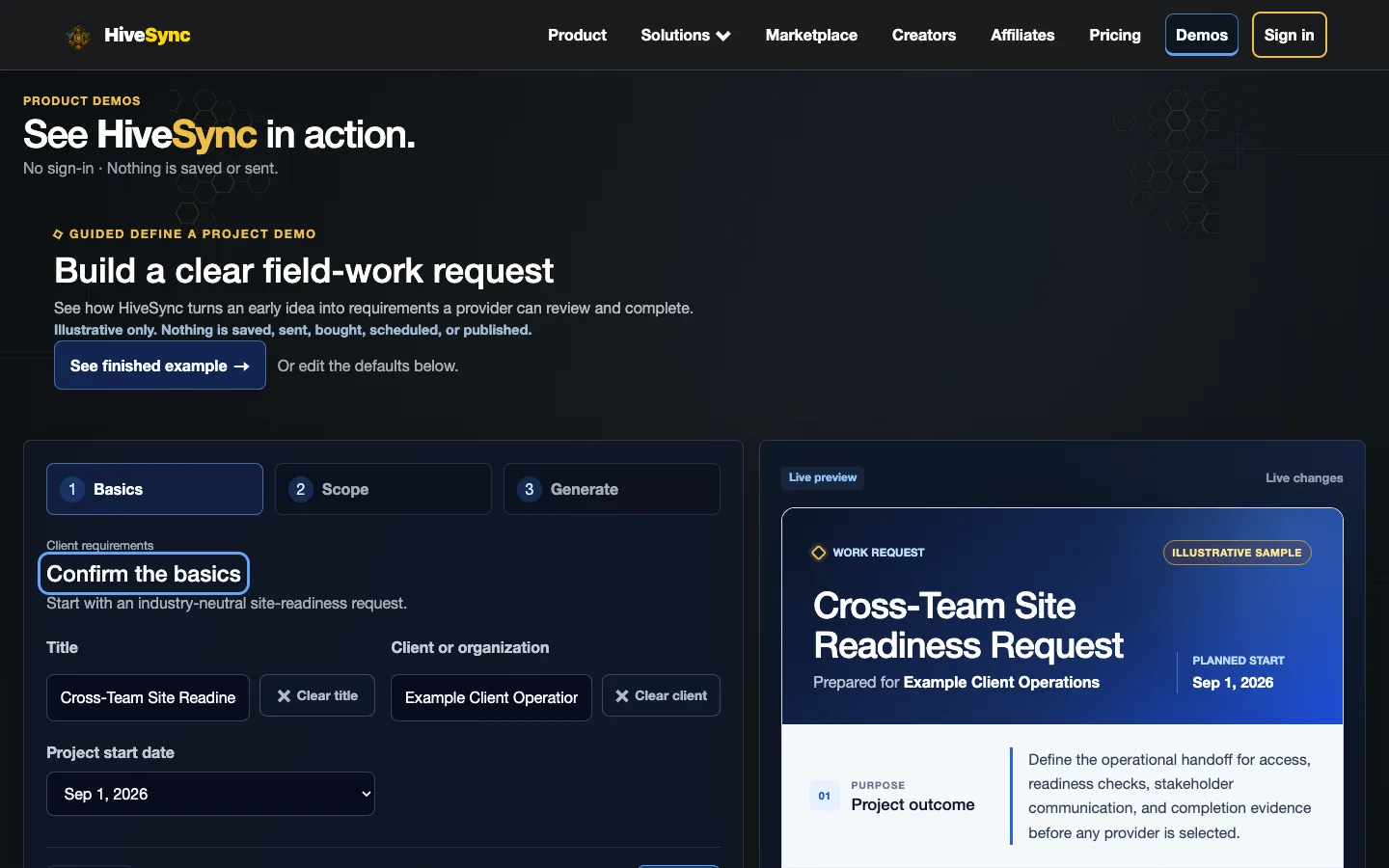
Define the Request
Describe the result, timing, budget, files, and approval needs.
Separate illustrative task examples.
Questions and Capabilities
Is this only for photo and video projects?
For now, photo and video is the first complete example. More project types are planned.
Does sharing a request hire a provider?
No. Sharing creates a review path. Booking, quote acceptance, payment, and final approval remain separate actions.
Can every provider see every response?
No. Providers can see the request you share, but each reply comes back privately.
Do I need a subscription to begin?
The Free plan is the starting point. You can also purchase a focused workflow pack without subscribing when that better fits the job.
What You Can Do Today
A project request clarifies the work; it does not automatically book a provider, accept a quote, charge a card, or approve completion.
- Rich link previews exclude private address, agreement, client, evidence, proposal, and bearer-capability details.
- HiveSync sends nothing until the user chooses a channel.
- Provider responses remain private to the client and responding provider.
- The provider controls how the professional work is done, including the crew and tools.
Conditions and Limits
More project types, held payments, and tools for many provider replies may come later.