
Explore the Production Workflow
See one step at a time.
Run the Shoot
Open the shoot checklist and review task guidance before recording.
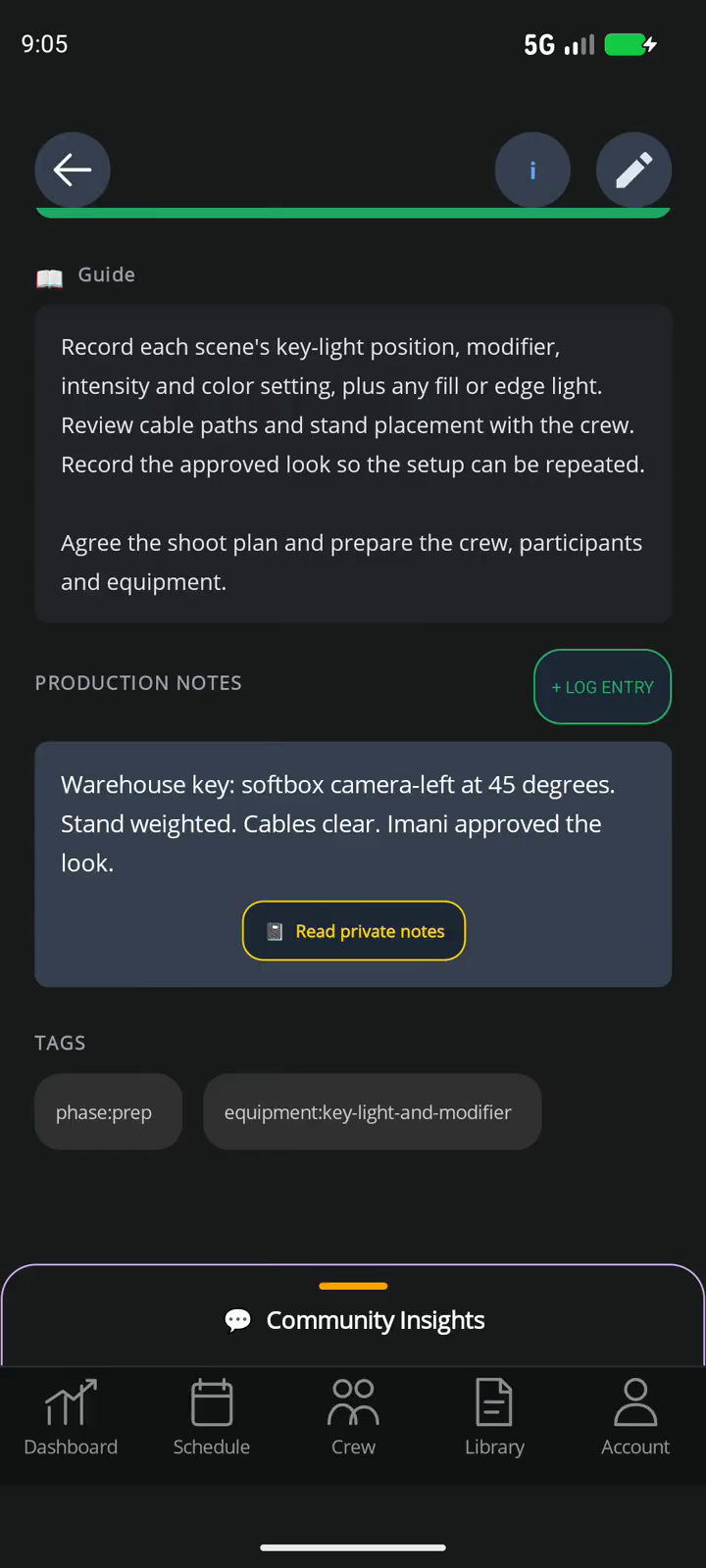
Shoot Details
- Shoot Checklist
- Open the active shoot task and its guidance.
- Shot Reference
- Review the reference before recording.
- Crew Responsibilities
- Keep task ownership clear as the shoot progresses.
Separate production examples · illustrative sample data.
Questions and Capabilities
Can I explore before creating an account?
Yes. Try the TeamSync and Action Hub examples here, open the TeamSync walkthrough, and compare pricing without signing in. An account is needed only when you set up your workspace and review checkout.
Can I start from an existing camera workflow?
Yes. Shoot Day Essentials is the first public camera-production Blueprint. Review the public preview before choosing a one-time pack or a subscription.
Can a reference video float over a timed task?
Yes, on approved timed tasks with supported media. Availability depends on the task and app settings. This is not native Android or iOS picture-in-picture.
Which plan fits a camera professional?
Pro is the starting point for a solo professional. Team fits studios that need shared ownership and handoffs. A workflow pack can fit one focused production outcome without a subscription.
What You Can Do Today
HiveSync connects the brief, quote, production Blueprint, mobile work, completed-work records, and report. TeamSync names owners and keeps handoffs clear. RecurSync is available after sign-in for supported recurring work. EarnSync publishing and promotion require permission, review, clear disclosure, and confirmed payment records.
- Organize a camera-production Blueprint around preparation, shoot work, and wrap.
- Carry project specifications, run-of-show context, logistics, and gear into mobile work.
- Use approved reference media on supported tasks and make sure you have permission to share it.
Conditions and Limits
Automatic booking, repeat-production scheduling, guaranteed creative quality, automatic media import, phone-level picture-in-picture, universal camera control, and client-created income are not available now.